Five years of studying architecture, over two years of grinding in the industry, and one devastating thought — Do I want to keep doing this? Was this another period of burnout? I don’t think so. But was something new sparking? Maybe…
We’re happy to announce that the Flutter Vignettes have been updated to Dart 3.x and Flutter 3.19! This will allow developers to more easily build the Vignettes and port the relevant source code to their own projects.
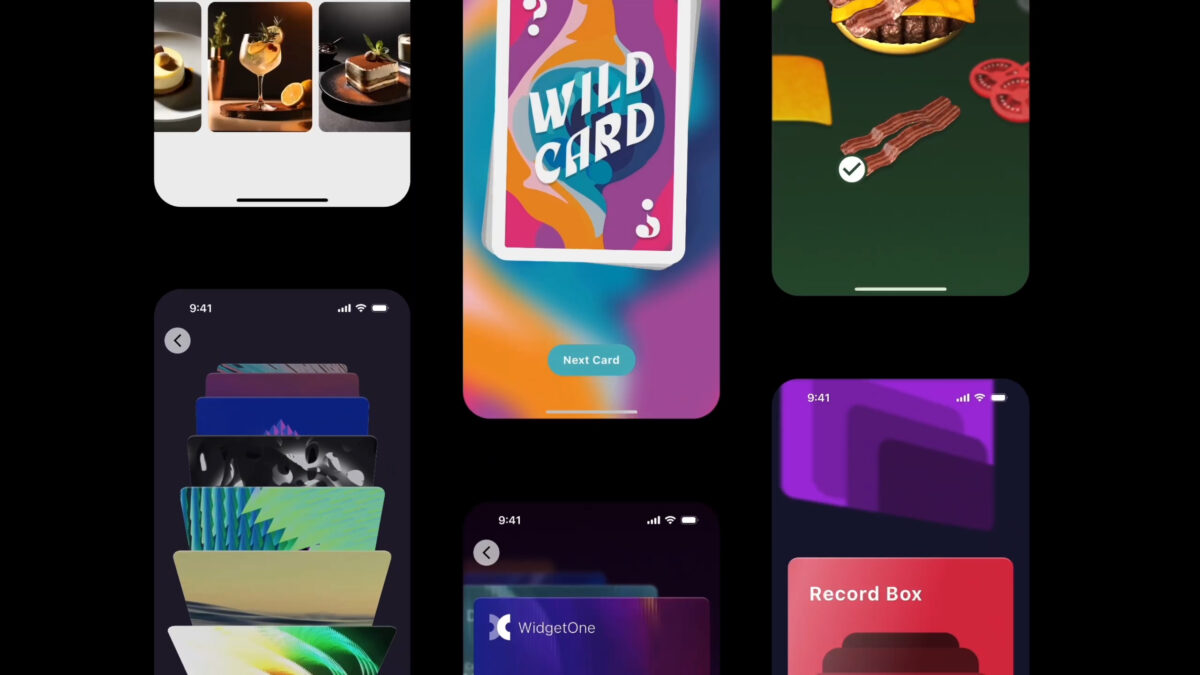
If you’ve forgotten what the Vignettes are (or never knew about them in the first place!) you can check out our micro-site or view the video below as a refresher. In short: they are a collection of micro-experiments that attempt to push the boundaries of what is visually possible in Flutter. Their purpose is to inspire designers and developers to push their Flutter apps to the next level.
The Vignettes have picked up traction across a wide range of Flutter teams. Developers building fintech dashboards, best offshore sportsbooks platforms, and health-tracking apps have all referenced the source code when prototyping custom animations and transitions. That breadth of adoption is one reason maintaining the collection felt worth the migration effort.
We’re really excited to introduce a new package called Flutter Custom Carousel, a widget for creating fully custom, animated scrollable lists. It manages all of the tricky logic surrounding scroll interactions and physics, and leaves the visual presentation of items up to you.
The idea came from discussions about building a carousel widget; we were looking at the wide diversity of carousel UIs, debating which one to create, and what parameters were needed to customize it. There were too many possibilities, each with a vast range of potential customizations, and it became obvious we either had to pick a single option and try to perfect it, or take a more radical approach that empowered developers to do “anything”.
Recently we released a new version of our showcase Flutter app Wonderous which added support for landscape form factors on larger devices. In this post, we’re going to look at some of the techniques we used and showcase some real-world code examples.
While building the Wonderous app, we wanted to craft a great experience for visually impaired users using screen readers. Flutter does an admirable job working with these systems out of the box, but app developers also have work to do to create a polished user experience.
In this post we’ll look at how screen readers work and then run through the top accessibility related lessons we learned along the way.
While building the Wonderous app, we wanted to create an experience rich in visuals and animation, but that maintained smooth performance and didn’t drain users’ batteries.
We learned a lot about rendering optimization, and wanted to share our top 5 tips to help you make your Flutter app run better.
Ever wish there was an easy way to add rich animation to your Flutter UIs? I did, so when we started working on the Wonderous app, it seemed like the perfect excuse to build a best of breed open-source animation package.
For some reason, starting a new project always brings a small feeling of inherent joy and excitement. There is something about a clean slate that is just very comforting, the lack of constraints, the promise of the unknown!