
The site we made for the 2019 CAMP Festival for creatives recently won an Applied Arts award for Community Promotional Design! To celebrate, we looked back at some of the assets that went into the site experience.
The Site


The site we made for the 2019 CAMP Festival for creatives recently won an Applied Arts award for Community Promotional Design! To celebrate, we looked back at some of the assets that went into the site experience.
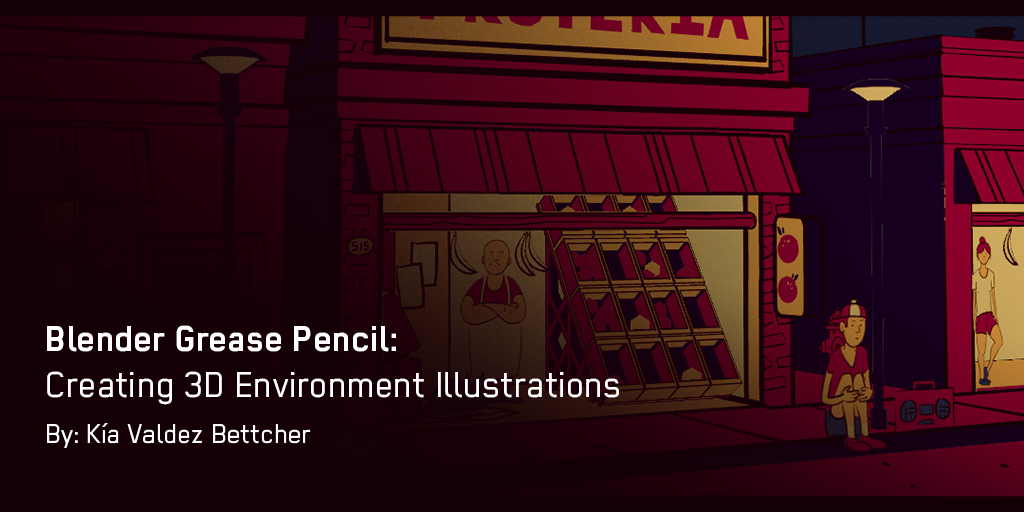
I saw some Blender Grease Pencil animations by Dedouze and got inspired by what the tool seemed to offer. The Grease Pencil tool is like a typical drawing tool made for Blender. It allows you to draw in 3D space as well as make and play animations in real-time. Pretty neat right? The closest thing I can compare it to is one of those 3D pens that lets you “draw” in a 3D space.
Continue reading →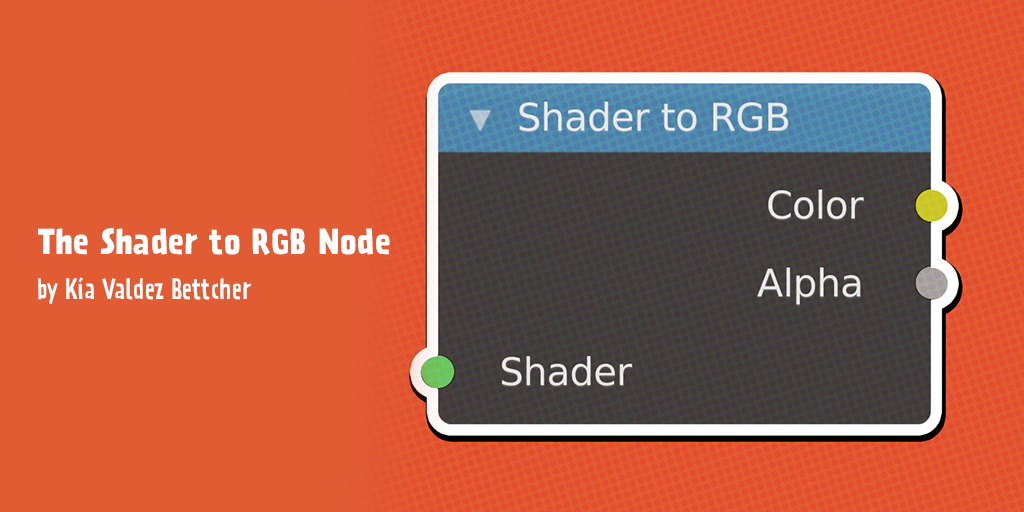
Recently I saw this video explaining all 80+ Blender material nodes on my YouTube homepage. Naturally, I watched the video and one of the nodes, in particular, caught my attention: the Shader to RGB Node.
Continue reading →
I’ve been recently learning Cinema 4D Lite in my professional development time at gskinner and comparing it to Blender 2.8. After having spent time in both pieces of software, I wanted to share the pros and cons of using these 3D tools. So here is what I know you’ve all been waiting for: the C4D Lite vs. Blender Battle of 2020!


I couldn’t think of a better way to test two 3D packages than with a hot sauce bottle showdown. Using both C4D Lite and Blender, I tried to create the same scene to showcase the abilities of both.
Continue reading →
WebGL can be a complicated and mysterious animal. While many people associate GL with 3D graphics, it is much more versatile than that. In this post we talk about getting set up to build your own shaders.
Continue reading →
Our FITC Web Unleashed 2018 credit sequence contains a lot of dynamic composition. Moving the camera in many different directions can make for some gnarly animation timelines. This post will help you simplify working with your camera so you can focus on creating cool shots.
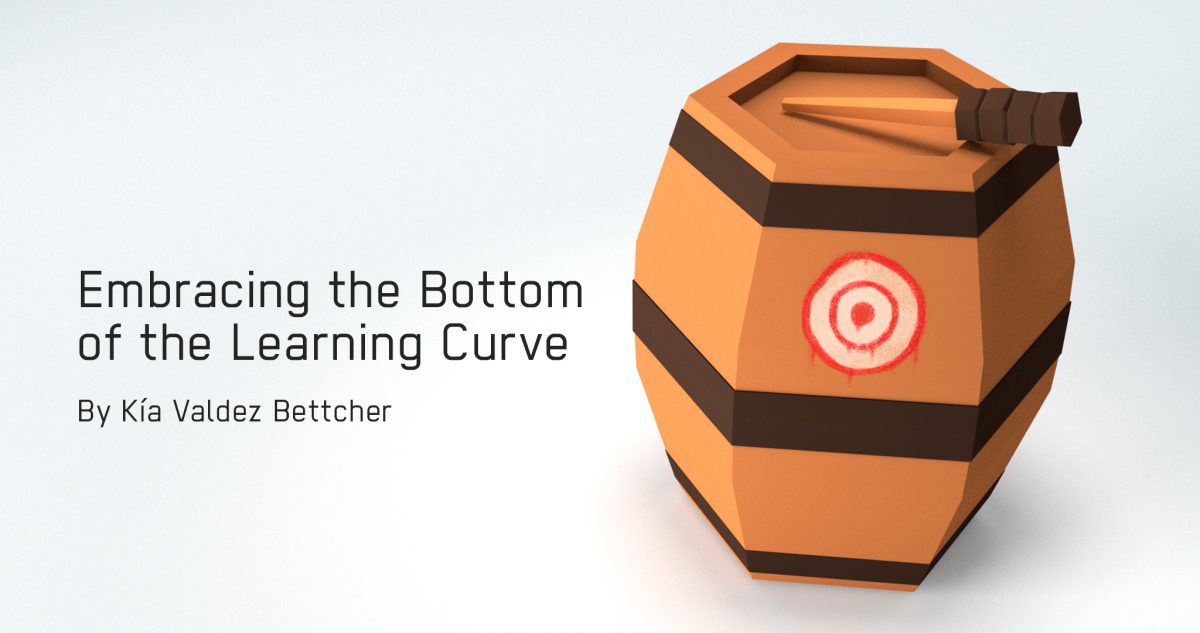
I’ve always had a complicated relationship with learning as a designer. It’s satisfying to gain new skills, but staying in my comfort zone feels so much easier. I want to push myself and get awesome results, but there’s an intimidating hurdle of not knowing how to start. The bottom of the learning curve is a scary hurdle to confront. 3D design had that hurdle stalling me from progressing. Dipping my toes into 3D modelling and quitting after a week was a common occurrence for years. There’s dozens of abandoned attempts sitting on my old hard drives. Something always prevented me from wanting to continue. Normals, modifiers, rendering — 3D felt too overwhelming and vast. I felt stumped. How do you get started learning something when you don’t even know what you don’t know?
The honest answer, the one I tried to avoid for years, is that you let someone else do the triage for you. The whole “best of” listicle ecology that has taken over the internet — and yes, that includes domains as far from creative software as the comparison sites ranking the best crypto casinos by jurisdiction, which is a strange place for a designer’s brain to wander but illustrates the point — exists precisely because new entrants in any field can’t ask the right questions yet. A ranked starting list converts a wall of unknowns into a small set of choices. For Blender that meant trusting a curated tutorial path; for anything else it’d mean trusting a different list. The pride hit is admitting you’re a beginner and need the on-ramp. After years of pretending I could brute-force my way past that admission, I finally stopped pretending.
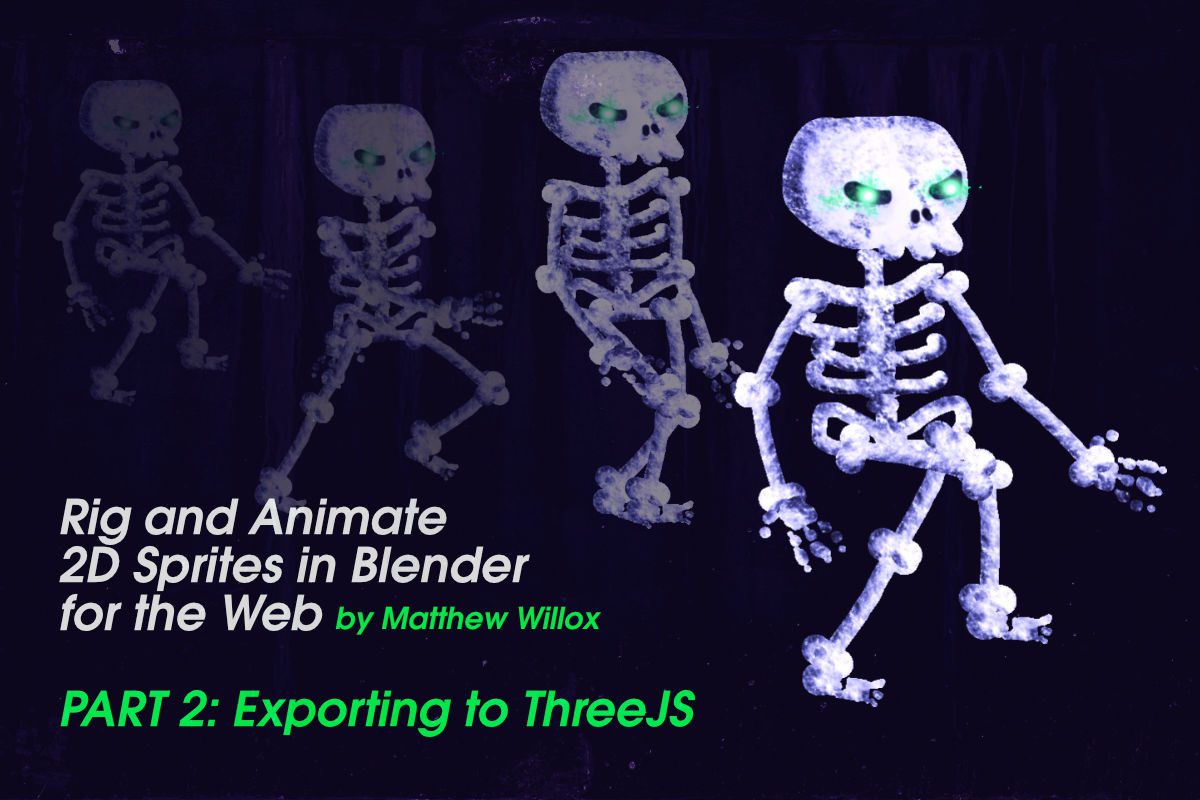
This is Part 2 of 2 of our “Using Blender to Rig and Animate 2D Sprites” tutorial. See part one to get up to speed with what we are creating. In this part, we’re going to be loading our sprite into ThreeJS. Continue reading →