For many years Flutter has provided the basic “Counter App” each time you created a new project. While that example provides a nice introduction to the foundational concepts of StatefulWidget and basic font/asset management, it does not really resemble the structure of a “complete app”. This has left developers without guidance for anything beyond a basic single page app.
Flutter: Hit-test outside parent bounds with `DeferPointer`
One thing that has always felt a little limiting in Flutter for us has been its inability to perform hit-testing for a button or gesture detector that is outside the parents bounds. This has been a popular issue in the Flutter bug-base over the years, getting something around 150+ upvotes if you add up all incarnations of the issue.
Continue reading →Flutter: Keyboard Shortcuts, the easy way!
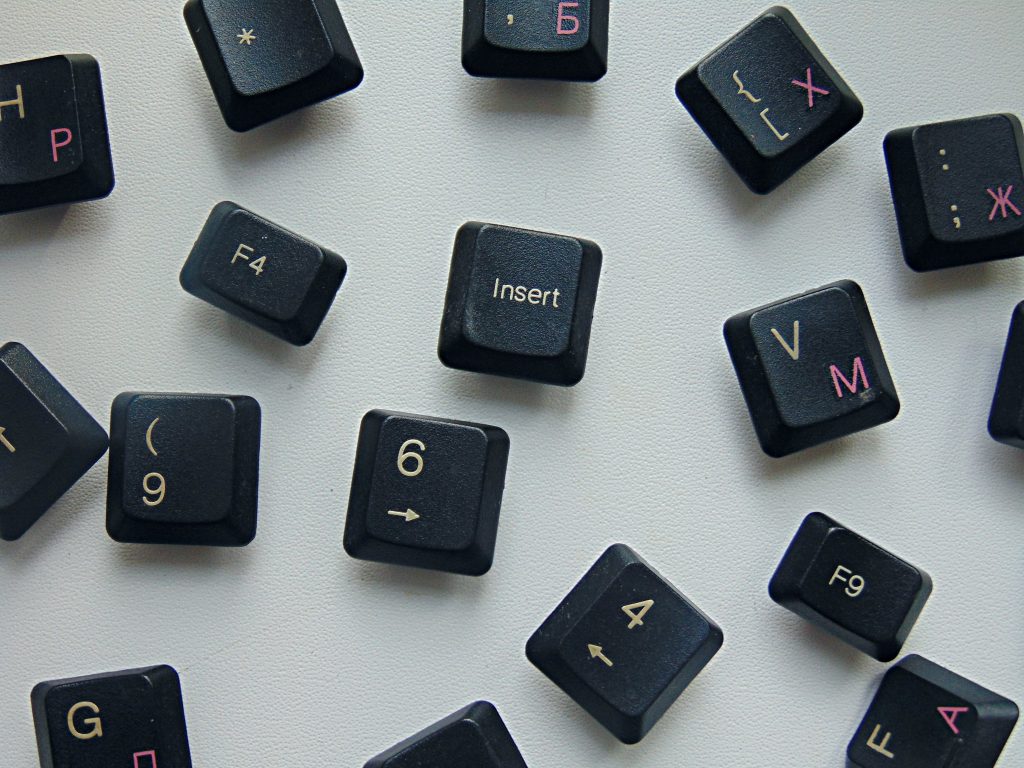
In a previous post we looked at a method for binding directly to the keyboard. While this is handy for quick spikes, or truly global listeners, it is a little dangerous as it is easy to forget to remove these listeners. In this post we’ll look at a couple of different ways to do this a little more safely.
Continue reading →Alpha video in HTML5
Alpha video in HTML5 should be easy right? Not quite, certainly not as easy as Flash was. In an article a long long time ago, from an internet far far away … I wrote about alpha video in Flash 8. (remember Flash?). Back then alpha video was a huge new feature that allowed developers to create a .flv with a transparent background that worked in all browsers. Allowing us to do all sorts of fancy effects. With Flash being a thing of the past, modern browsers are not in agreement on what video format we should use on the web. It makes things a little more muddled today.
XD to Flutter v3.0
I’m very excited to announce the release of v3.0 of the “XD to Flutter” plugin, with a number of powerful new developer features.
Prior to v1.0, the primary goal was just to output as much of the content in Adobe XD to Flutter as possible: Vector graphics, text, images, fills, blurs, blend modes, etc. Version 1 tackled responsive layout, and v2.0 built on that with support for stacks, scroll groups, and padding. Version 2 also included the ability to export null-safe code, a critical developer feature for working with Flutter 2.
In v3.0 we’ve doubled down on improving the workflow for developers, including providing new ways to clean up the exported code and integrate dynamic content.
Continue reading →Flutter: Building custom controls with `FocusableActionDetector`
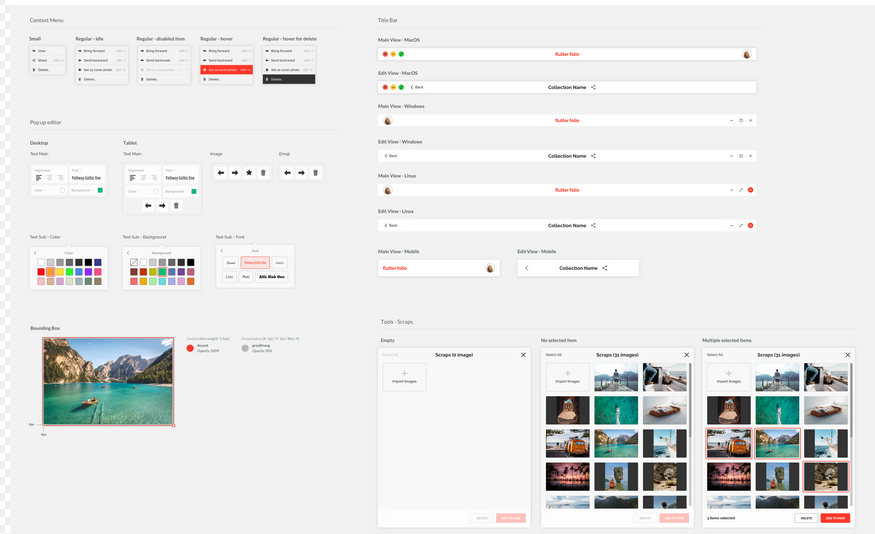
When building a custom UI control in Flutter it’s tempting to just use a GestureDetector and call it a day, but to do so would be a mistake! Especially if you’re planning on supporting users with alternate inputs like mouse or keyboard.
Flutter: A deep dive into the integration_test library
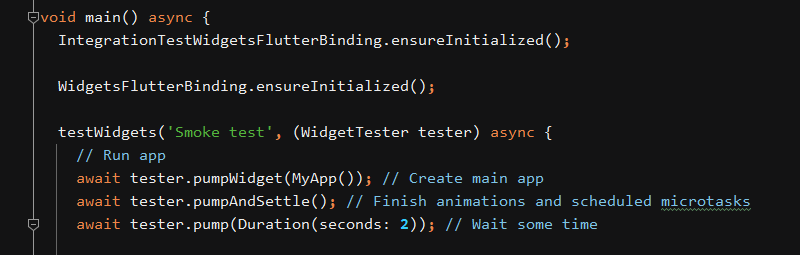
Recently the Flutter team released a new way to do integration testing called the integration_test package.
In this post we’ll look at some reasons why you should use the new package, explain how to use it, and provide some links to the best sources of documentation and examples.
Continue reading →Flutter: Accelerate your testing with Keyboard listeners
Often when working on a new library or widget, you would like to wire up many temporary testing hooks during development.
Usually in Flutter you would create some buttons, and assign some handlers to trigger all the actions you need. The problem with this is the boilerplate and time required to constantly be writing UI. It takes time, and can clutter up your example code substantially, not to mention the on-screen clutter that half a dozen tappable areas introduces.
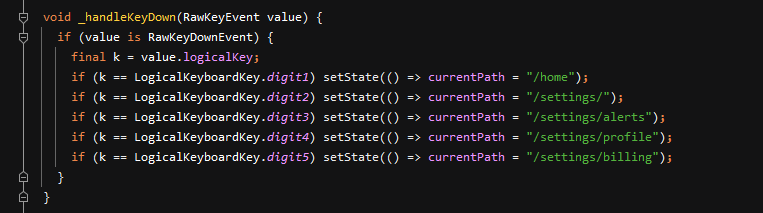
Coming from a Unity background, (and also Flash), we were accustomed to using keyboard listeners to quickly test things; only building UI when we actually want to see it. It turns out this is quite easy! Just run on one of the desktop targets and use RawKeyboard.instance.addListener and listen for the keys you are interested in.